
Severe weather doesn't have to spell disaster for your electronics. Here's what every homeowner should know.
Let's have a bit of a game, shall we? We're going to play a quick round of True or False to see how much you know about protecting your electronics during a thunderstorm.
Keep track of how many you get right, and let us know over on Facebook. Bragging rights are absolutely on the line.
=True or False

Courtesy of Ketut Subiyanto
Turning your television off is enough to protect it during a storm.
False! Unfortunately, your television doesn't care that you used the remote. If it's still plugged into the wall, it's still connected to your home's electrical system. If a power surge moves through your wiring, those sensitive internal components can still be damaged. Off and unplugged are two very different things.
=True or False
You should wait until the storm arrives before unplugging your electronics.
False! In fact, that's exactly what you shouldn't do. If severe weather is in the forecast, unplug important electronics before the storm reaches your area. Once lightning is nearby, it's safest to stay away from outlets and power cords altogether. Nobody needs to turn storm prep into an extreme sport.
=True or False
Your router and modem are worth unplugging before a storm.
True! We know. Nobody wants to volunteer to disconnect the internet. However, routers and modems contain delicate electronics that can be vulnerable to power surges. Since these devices are often connected to both power sources and communication lines, they have more than one potential pathway for damage.
=True or False
If your phone is plugged into the wall, it's perfectly fine to keep using it during a thunderstorm.
False! Research suggests that wireless devices are generally safe to use during storms as long as they aren't connected to a wired charger. If your phone is charging from a wall outlet, it's probably a good excuse to finally pick up that book you've been meaning to finish.
=True or False
Surge protectors guarantee that your electronics are safe.
False! Surge protectors can absolutely help protect against smaller fluctuations in electricity. However, multiple sources noted that they aren't foolproof, especially when lightning is involved. Think of them as seat belts. They're an important safety measure, but they don't make you invincible.
=True or False
Only expensive electronics need protection during a storm.
False! The television and computer tend to get all the attention, but they're hardly the only things at risk. Chargers, coffee makers, microwaves, smart home devices, garage door openers, and other electronics can also be affected by power surges. Modern homes are full of gadgets that quietly do their jobs until the day they decide not to.
=True or False
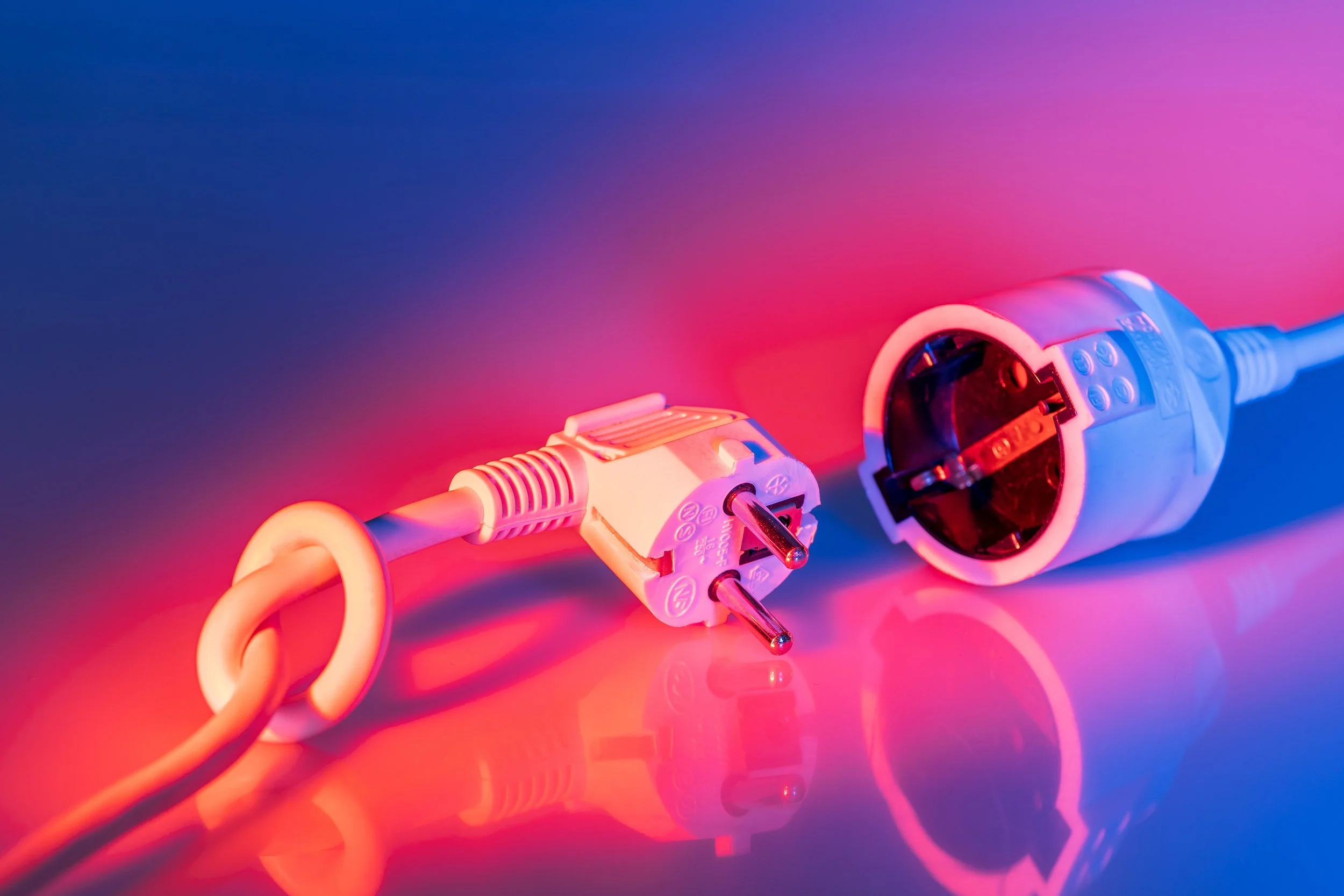
Lightning has to strike your house directly to damage your electronics.
Courtesy of tom analogicus
False! A nearby lightning strike can potentially cause a power surge that travels through electrical systems. Several sources also pointed out that surges can happen when power is restored after an outage. Lightning doesn't necessarily need your exact address to ruin your afternoon.
=True or False
As soon as the power comes back on, you should immediately plug everything back in.
False! Some experts recommend waiting a few minutes after power is restored before plugging devices back in. This can help reduce the chance of exposing electronics to additional fluctuations as service stabilizes. Besides, your coffee maker can survive another five minutes. We believe in you.
=True or False
Garage door openers can be damaged during a storm.
True! This one surprises a lot of people. Many modern garage door systems rely on electronic control boards. According to some electricians, those components can be susceptible to power surges. You don't realize how much you depend on your garage door until you're standing in the driveway wondering why it's suddenly refusing to cooperate.
=True or False
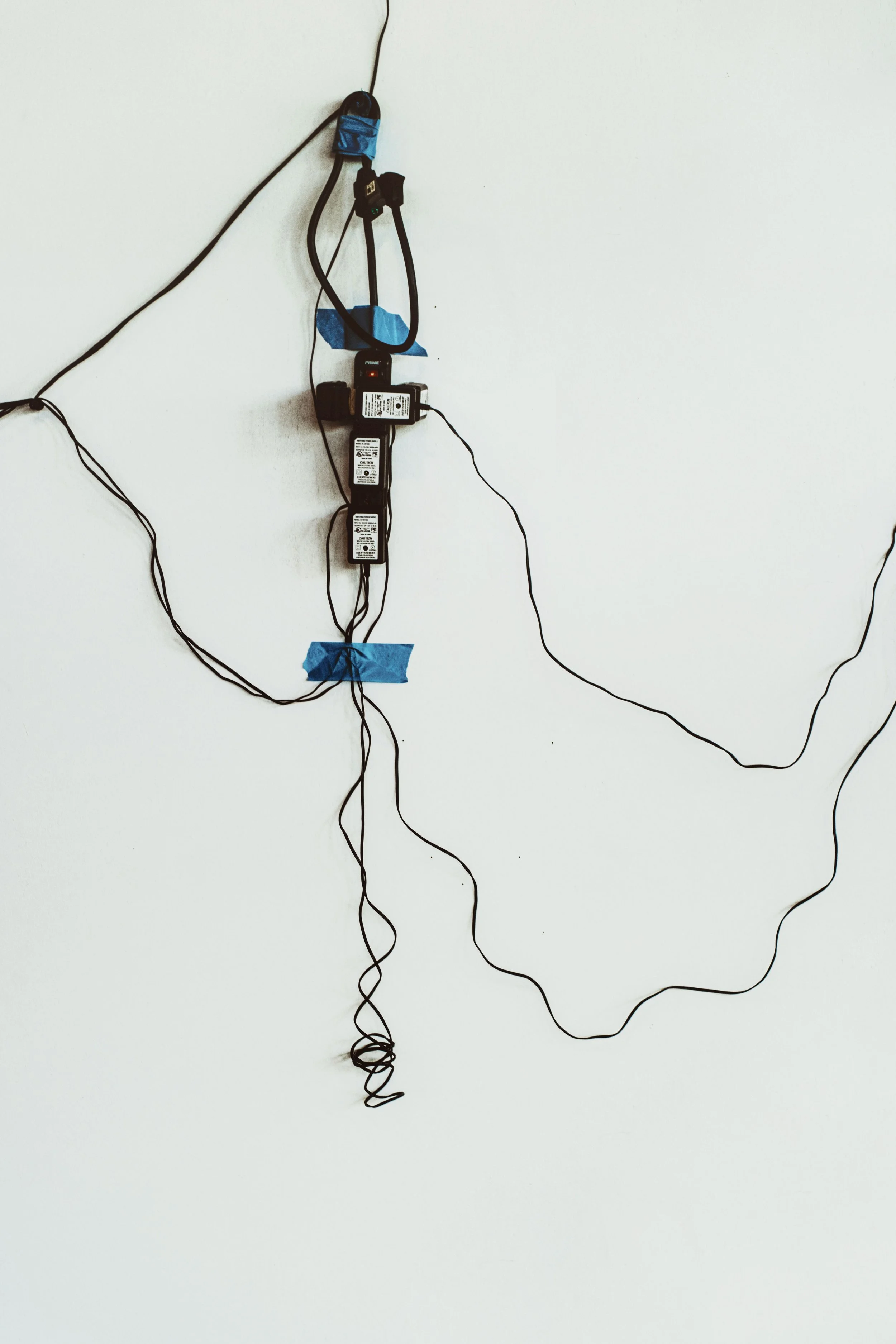
You should unplug every single appliance in your house before every thunderstorm.
Courtesy of Tim Mossholder.
False... sort of.
Here's the catch. The research wasn't entirely consistent on this point. Some experts recommend unplugging as many appliances as possible. Others note that major appliances are generally designed to handle typical storm-related surges.
What everyone agreed on, however, is that if you choose to unplug devices, you should do it before the storm arrives. If unplugging every appliance in the house isn't practical, prioritize the electronics and devices that are most valuable or sensitive.
=True or False
Phone and laptop chargers should be unplugged during severe weather.
True! Chargers might seem harmless, but research suggests they can still transfer surge damage to connected devices. It's a simple step that can potentially help protect the electronics you rely on every day.
=True or False
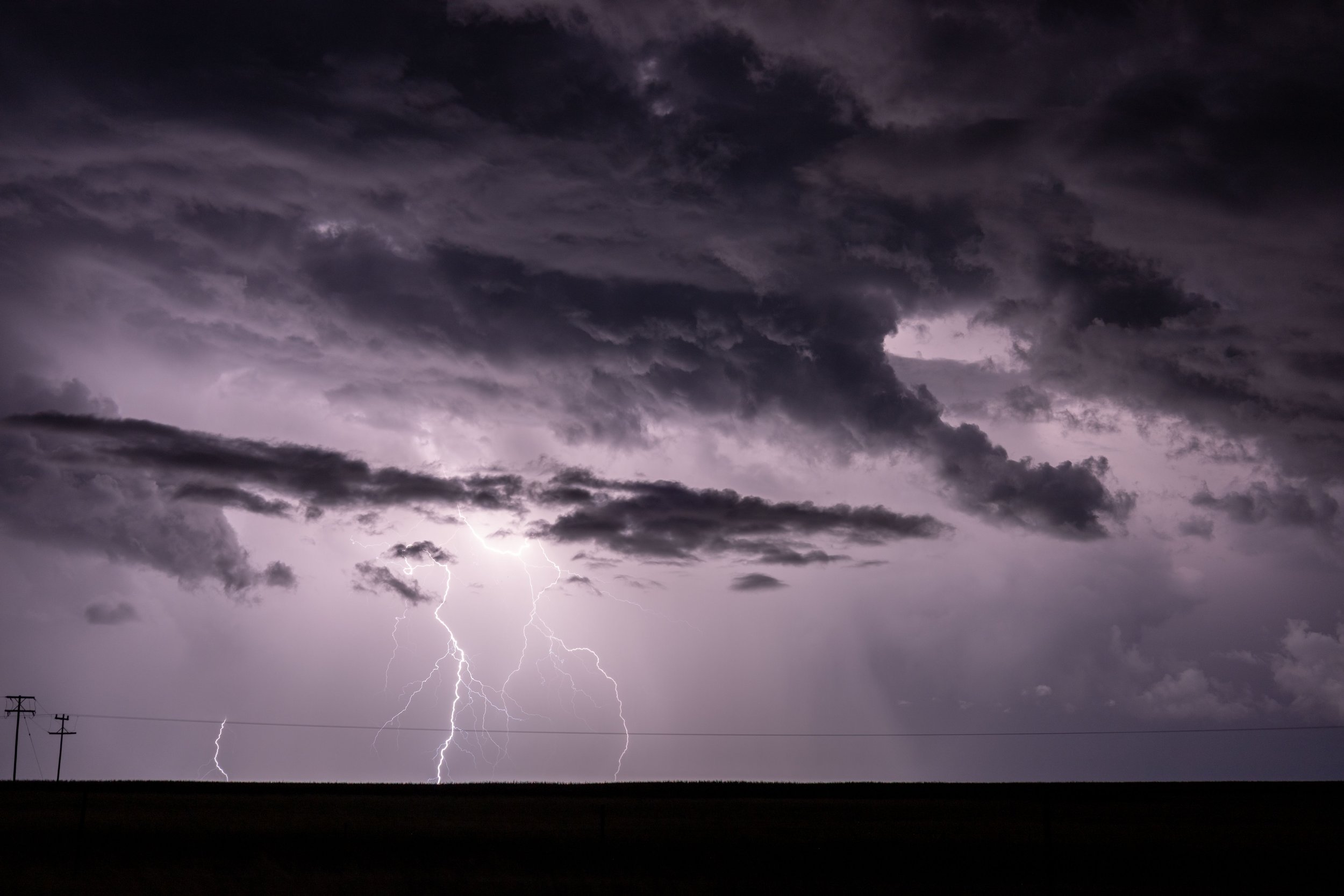
Storm preparation starts before you hear thunder.
Courtesy of Ndumiso Mvelase
True! Whether that means charging your phone, checking the weather forecast, or unplugging a few important devices, planning ahead is one of the easiest ways to reduce stress during severe weather. Once lightning is already striking nearby, the safest place for you is away from outlets and electrical cords.
How did you do? Did you ace the quiz, or did a few of these catch you by surprise?
The truth is that thunderstorms are part of life, especially during the warmer months. While you don't necessarily have to unplug every single thing in your house every time dark clouds roll in, taking a few simple precautions can go a long way toward protecting the devices and appliances you depend on every day.
And if a storm does pass through and you notice that one of your appliances suddenly isn't working quite right, don't ignore it. Electrical damage isn't always dramatic. Sometimes it's as subtle as inconsistent performance, unusual behavior, or an appliance that simply doesn't seem like itself anymore.
If you suspect one of your appliances has been affected after a storm, we're always happy to help. You can reach out to us through our website or give us a call at ((214) 599-0055).


